
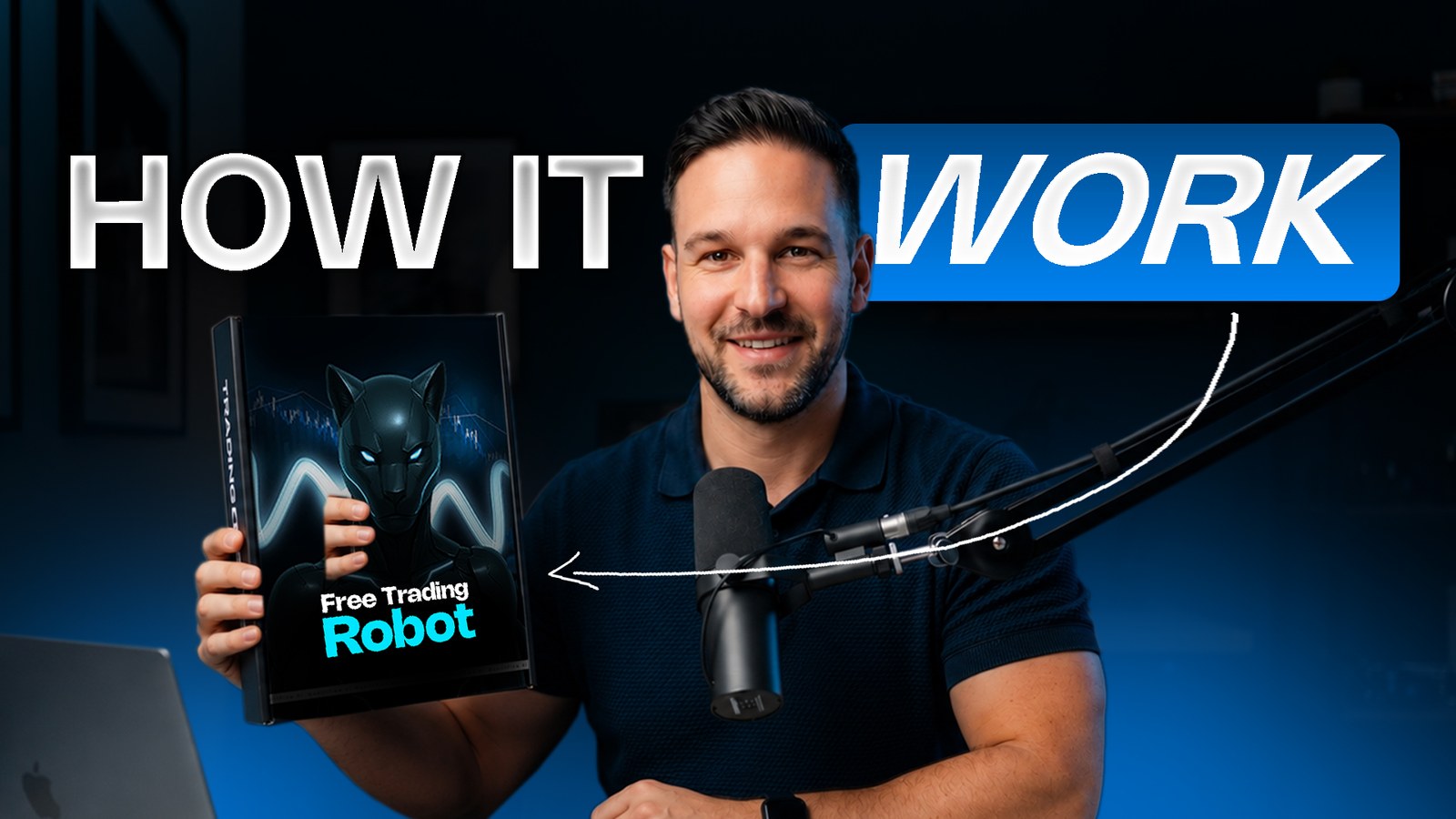
An automated robot you can test for 6 months before you decide to buy.
If you are looking for a trading robot that can automate your trading, Fusion Panther is designed to help you trade without spending your entire day watching charts or manually executing trades.
Fusion Panther is an automated trading robot developed by Wealthflow Bots. It is built around momentum swipes for Gold. Whether you want to understand how it works, verify its track record, see how much it costs, or find out how to test it for free, this guide covers what you need to know.
What Is Fusion Panther?
Fusion Panther is an automated trading robot designed to trade Gold, and selected stress-tested pairs, for traders who want gradual account growth with less manual intervention.
Instead of spending hours analysing charts and manually placing trades, you can use Fusion Panther to automate trade execution on a supported trading account. It is designed for traders who do not want to sit in front of charts all day, do not want to keep guessing entries, and do not want a system that has to gamble the account to make money.
The robot manages trades with predefined rules, including Stop Loss (SL) and Take Profit (TP). You do not have to execute every trade yourself. It is part of the Wealthflow Bots range, and it is built so you keep control of your own trading account.
The idea behind it is gradual growth, controlled risk, and less stress. It follows its system. It does not double positions after a loss, it does not endlessly stack trades against the market, and it does not change its plan because a trade lost.
Key Features
These are the features highlighted in the Fusion Panther offer.
1. Automated Gold trading
Fusion Panther executes trades according to its strategy. You do not place every trade manually. It focuses on Gold and selected stress-tested pairs rather than trying to trade everything.
2. Built-in Stop Loss and Take Profit
The robot uses Stop Loss and Take Profit to define trade exit levels, instead of leaving exits to emotional decisions.
3. No manual trade execution
Once it is configured and activated, Fusion Panther handles trade execution. It monitors the market and waits for its setups. It is not designed to force trades every few minutes. The product page describes a typical pace of 2–4 trades per week.
4. Straightforward activation
After purchase, you download Fusion Panther from your dashboard and install it on MetaTrader 5. The setup guide walks through copying the files to a VPS, allowing algorithmic trading, and loading each set file. The 6-month free test is a shorter connection and does not use those downloaded files.
5. No Martingale or Grid
Fusion Panther does not use Martingale or Grid strategies. It does not keep doubling the position after a loss, and it does not rely on those approaches to recover.
6. Gradual compounding
The system is built around gradual account growth and monthly compounding, rather than chasing one large trade. It is also described as optimised for controlled drawdown, using defined risk parameters instead of Martingale or Grid.
7. Support during activation
If you need help getting started, the Wealthflow team offers activation assistance through Quincy Adams and the support process in the offer. After activation you also have access to the Wealthflow community and support system for questions and updates.
Can I Test Fusion Panther for Free?
Yes. Eligible traders can request 6 months of free access instead of buying immediately. The point of the test is to learn how the robot works, watch it on your own account, and decide whether to purchase it.
Fusion Panther normally costs $2,500 ($208/month). With the free-access offer, you do not pay for the robot during the 6-month test. At checkout the code reduces that access to $0.
The activation code is FREE-FUSION-BOT. You cannot activate the free access without it. The same code is sometimes written as FREE FUSION BOT. Both refer to this offer.
A few limits apply:
Access is for up to 500 traders. Once that allocation is filled, the offer closes and the normal price applies. New requests can be declined until another batch is available.
Free access is subject to approval and availability.
If you are approved, you have 72 hours to activate. If you do not activate in that window, the access may be revoked and reassigned to another trader.
The robot access is free for the test period. You still need your own trading account and trading capital. Wealthflow does not provide the capital.
How Do I Request the 6-Month Free Test?
The offer describes the free test in two places: a checkout path under Products, and a request page where you enter the code first. Together, the steps are:
Create your Wealthflow account. Use the official Wealthflow site and open your dashboard.
Open the Fusion Panther free offer. In the dashboard this is described as Products → Free Bot. Enter
FREE-FUSION-BOT. The 6-month access price is reduced to $0. You can also start from the Fusion Panther free-access page.Wait for confirmation. Your request is checked for availability and eligibility. Follow the instructions you receive if it is approved.
Activate within 72 hours. After approval, connect the robot before that window closes.
Pick your region. The offer separates UK / Australia from other countries. After you select a region, you are shown the broker available to you. You do not choose a broker by guessing.
Connect your trading account. Connection usually takes about 2–15 minutes, depending on the account. The request page also says that, once approved, connecting to a supported MT5 account takes under 5 minutes in most cases. Getting started overall is described as about 15 minutes. Quincy Adams can guide you if you get stuck.
Test, then decide. Use the 6 months to see how the robot trades. You do not have to decide whether to buy on day one.
The paid product page is Fusion Panther. The official site is wealthflow.pro.
What Broker Can I Use?
For the free test, no. Fusion Panther free access is only available through the supported brokers. Those brokers are used so Wealthflow can manage the cloud servers, execution environment, and support. More brokers may be added over time. After you create your account and select your region, you will see the brokers currently available to you.
The purchase page also says Fusion Panther can work with any broker, and that the recommended supported brokers are the better setup if you want the support experience. The setup guide uses Blueberry and Ultima Markets. Broker requirements and trading conditions vary. For the free test, use the broker shown for your region.
Do I Control My Money?
Yes. Your funds stay in your own brokerage account. The robot does not have withdrawal access. It cannot withdraw your money. It can only trade the account.
You can:
Deposit
Withdraw, according to your broker's rules — Wealthflow does not hold your funds
Pause the robot
Stop the robot
Start the robot again
You can also add funds later if you decide you like how it is trading. You do not have to start at the size you might use later.
Can I Start Small?
Yes. Fusion Panther can be used on smaller accounts, including accounts around $100 or $500, depending on the broker's requirements and trading conditions. The stated capital range on the product page is $100 – $1,000,000+. You can start smaller and scale as you get comfortable.
The activation guidance gives these regional sizes for the free test:
UK / Australia — from a $500 account up to $500,000.
Other countries — from a $100 account up to $200,000.
Exact minimums depend on your region, the assigned broker, and that broker's conditions. Start with an amount you are comfortable testing.
Can I See How It Has Performed?
Yes. The offer asks you to check the records and reviews, rather than relying only on the sales claims.
Myfxbook track record — the offer links this Wealthflow free-bot account.
YouTube review
What Performance Can You Expect?
The guide in the offer presents a historical range of 5%–50% per month, depending on market conditions, trading settings, and the level of risk taken. That is a historical claim. It is not a guaranteed return and it is not a promise of what you will earn.
The product page separately describes a typical growth target of 5%–100%, depending on the risk mode you select, market conditions, and trading performance. That figure is also a target range, not a guarantee of future returns.
Fusion Panther is described as a rules-based system aimed at higher-probability setups. The offer does not give a win-rate percentage. Some periods will be stronger than others. Losing trades are part of trading. The free test exists so you can collect your own results before you decide to continue or to scale.
What Does Fusion Panther Cost?
The standard price in the offer is $2,500 ($208/month).
There are two ways to start:
Purchase Fusion Panther if you have checked the records and you are ready to use it. You get access to the robot and begin setup. Visit the Fusion Panther product page.
Request 6 months of free access with
FREE-FUSION-BOTif you want to test it on your own account first. Eligibility depends on the supported broker and your region, and the allocation is limited.
How Do I Set Up Fusion Panther After Purchase?
Use this setup guide. It walks through a purchased Fusion Panther license on MetaTrader 5, from the download through the first charts.
The free 6-month test is a different path. It uses the access code and the supported-broker connection above. It does not use these downloaded files.
Follow the same steps on your own account:
Confirm Fusion Panther is active. Log in at wealthflow.pro. If it is not on your dashboard, open Products, review Fusion Panther, add it to your cart, and check out with a card or cryptocurrency. Your license key is on the bot details page after purchase.
Download the files. From the bot details, download the expert advisor and the set files, and copy your license key. That page also has a VPS setup video and a written setup guide. When the video was recorded, the set files were Fusion Panther Gold and USDJPY. More set files may be available when you activate, so download all of them and extract the folder.
Copy the folder to your VPS. Open your VPS and paste the extracted Fusion Panther folder onto it. If you still need a VPS, use the VPS setup video linked from the same dashboard page.
Install MetaTrader 5. Install the Windows terminal from the broker you are using, then log in. The video uses an Ultima Markets demo account. Blueberry and Ultima Markets are the recommended brokers on the product page.
Allow algorithmic trading. In MetaTrader 5, open Tools, then Options, then Expert Advisors. Turn on Allow algorithmic trading, and allow web requests for the listed URLs. Copy every URL from the written setup guide into that list. The video shows two URLs. If your guide lists more, add all of them, then click OK.
Install the expert advisor. In MetaTrader 5, open File, then Open Data Folder. Copy the Fusion Panther file into MQL5, then Experts. In the Navigator, right-click Expert Advisors and refresh. Fusion Panther should appear in the list.
Attach it to each pair and load the matching set file. Open a chart for every pair that has a set file. The video uses Gold and USDJPY. Drag Fusion Panther onto the chart, open Inputs, click Load, and select that pair’s set file. Paste your license key. Leave the magic number and the comment as they are. Changing them does not change how the robot trades.
Set the risk for that set file, then click OK. On Fusion Gold, risk is a dynamic percentage of the balance, set to 0.5% in the guide. You can switch to a fixed lot size or a fixed dollar amount. For compounding, keep percentage of balance. If you raise it, stay at or below 2% per trade. Those Gold risk settings do not apply to USDJPY. On USDJPY, and on any other pair where Fusion Gold is off, the setting that matters is lot ratio. Start at 1. You can raise it later, up to 2 while you are starting. When Fusion Gold is on, use the Gold position-sizing settings. When it is off, use lot ratio only.
After you click OK, the panel should show Fusion Panther connected, and the expert advisor can start trading. Every pair that has a set file can run on the same account at the same time.
On each set file, enter your license key. Trade comments are optional. Use the dynamic lot settings only with the Fusion Gold file. On the other set files, use lot ratio.
What Happens After the 6 Months?
By the end of the test you should have your own trading data, your own experience, and your own results. Then you decide.
Continue with Fusion Panther if you want to own it.
Explore other Wealthflow robots, such as Tinga Beast or Prop King, if you want to scale further.
Stop, if it is not for you.
You do not have to make that decision before the test.
Will the Robot Blow My Account?
No trading system is risk-free, and Fusion Panther can lose trades. What the offer does state is that Fusion Panther uses Stop Loss and Take Profit, and that it does not use Martingale or Grid. The free access is there so you can verify the system on your own account before you decide it is right for you.
How Long Does Setup Take?
The 6-month free test usually takes about 2–15 minutes to connect, depending on the account. Once you are approved, connecting to a supported MT5 account takes under 5 minutes in most cases.
The purchased robot follows the setup guide: download the files, copy them to a VPS, install MetaTrader 5, and load each set file. How long that takes depends on whether the VPS and MetaTrader 5 are already ready. If you get stuck, Quincy Adams can walk you through it.
Do I Get Support?
Yes. Quincy Adams and the Wealthflow support team can guide you through activation and setup. After activation you also have the Wealthflow community and support system for questions, robot updates, results, and announcements.
Why Is the 6-Month Test Free?
The offer gives three reasons.
1. So you can see the proof first
A lot of traders have paid for robots that did not perform, blew an account, or came from a seller who disappeared after payment. Instead of asking you to believe a promise, the offer lets you use the robot, watch it trade, and decide from your own account.
2. So the reviews come from people who used it
The more traders use the robot and have a real experience, the more reviews, testimonials, referrals, and feedback Wealthflow receives from those accounts, rather than only from paid promotion.
3. So you have data before you scale
Other Wealthflow robots, including Tinga Beast and Prop King, are for traders who want to scale later. The offer does not expect you to start there. Test Fusion Panther, see how it trades, then decide whether to continue with it or look at those other systems.
Who Is Fusion Panther For?
Fusion Panther is for you if:
You want automated trading.
You want gradual account growth and monthly compounding.
You do not want to sit on charts all day.
You want disciplined execution and defined risk management.
You want to start with a smaller account and keep the option to scale later.
You want to test the robot before a bigger commitment.
Who Is It Not For?
Fusion Panther is not for someone looking for:
Guaranteed profits
Overnight riches
A robot that never loses
A magic button
A system with zero risk
Trading still carries risk. Past performance does not guarantee future results. What Fusion Panther gives you is an automated system you can test, monitor, and then accept or leave.
Trading financial instruments involves risk and may result in the loss of your capital. Automated trading does not guarantee profits. Past performance is not a reliable indicator of future results. Consider your financial circumstances, understand the risks, and seek independent financial advice if needed before trading. Minimum account sizes, broker availability, and trading conditions vary by region.